6 - Helicopter
2 minutes read
Scene
This scene shows the engineer trying to take down an enemy helicopter. Just like in the game, it is impossible, so he gets blown up. (Don’t get me started on the stupid stuff like the self-repair perk that makes the vehicles unkillable.)
This scene reuses some techniques we’ve seen previously. The scene is cut into several blend files to be easier to handle the objects. The parts with the characters shooting are reused from scene 4, but the colors have been modified.
Lines effects
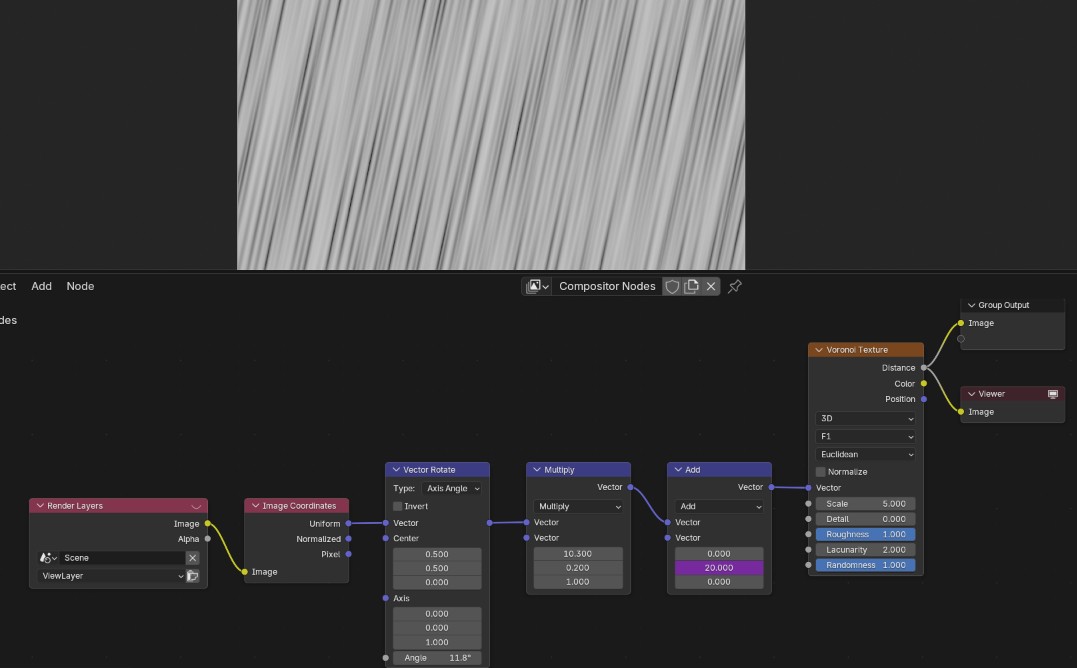
The “speed lines” effect was made with… a Voronoi texture ! Again ! Although this time I learnt the proper way to rotate the coordinates system to bend the lines. You have to use a Vector rotate node with a center set to (x,y) = (0.5, 0.5).
For the radial lines, we use the same kind of texture, but we can make the lines converge at the center by using a Radial tiling node :
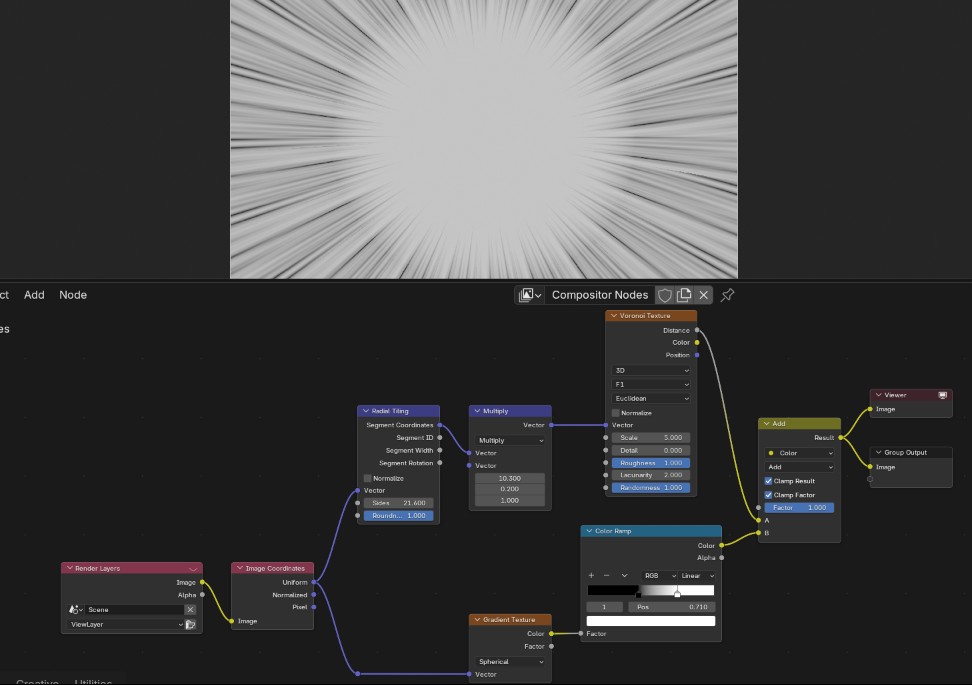
A circular gradient is added on top to erase the lines near the center, so that the resulting image can be multiplied onto the render. 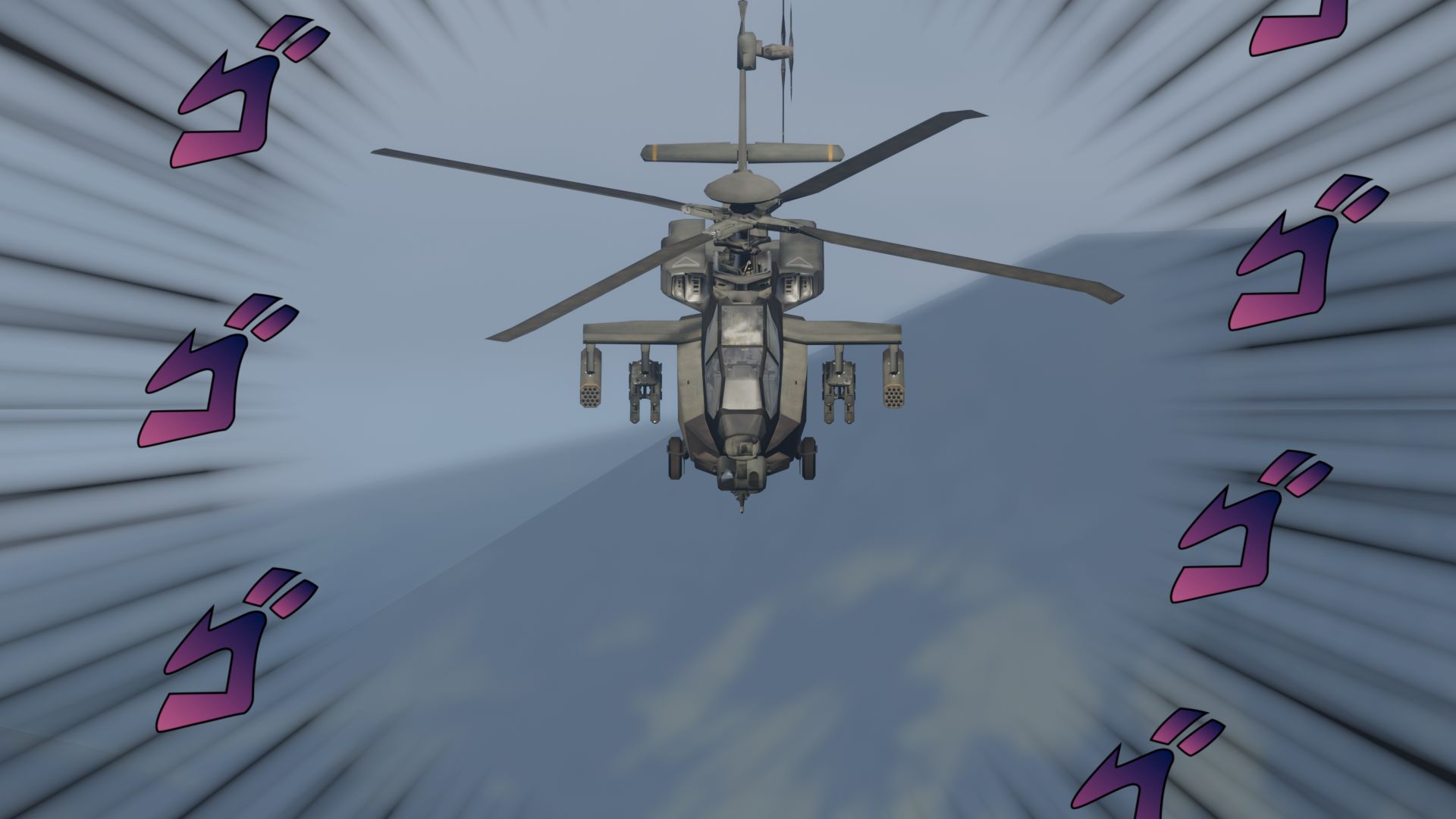
Explosions
For the last scene I manually placed every explosion so that it would look good.
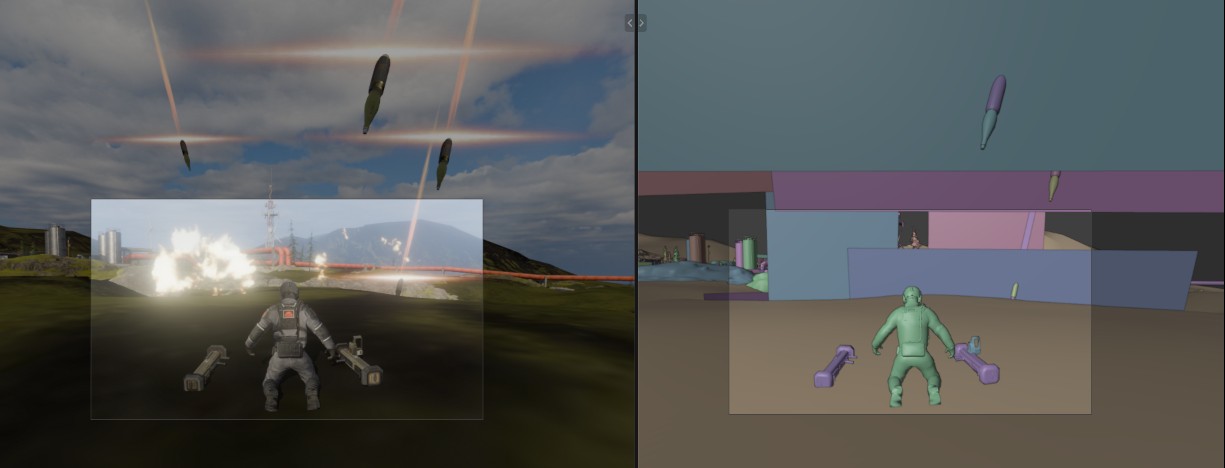
The missiles are animated, but it don’t know if they are really visible in the video. I also added the “flare” sprite from the game files near their exhaust.