Porting bigger maps
2 minutes read
Files
Using the level files is now easier, but it is limited. I tested the Tark to Blend add-on with the trader scenes, with are each contained in a single level file.
For bigger maps, like Customs, the objects are separated into multiple files, which correspond to either different locations or different types of objects. From my testing, it also seems that the terrain mesh is not contained in the level files. If I look in my AssetRipper extraction of the game files, it should be in the TerrainData folder, but I do not know how to get them from AssetStudio or how to assign materials to them.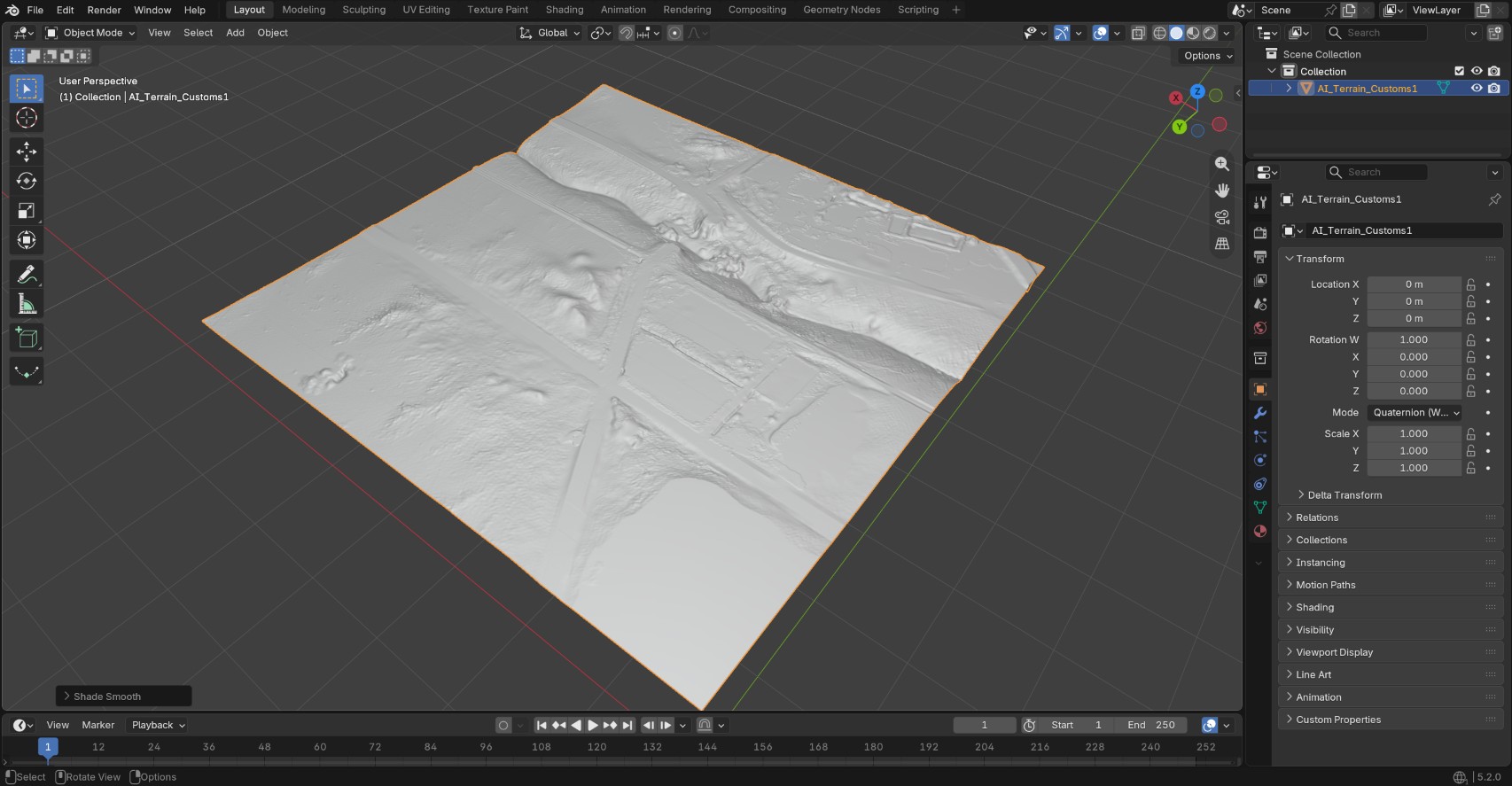
Furthermore, from my experience with porting the Factory map, it is a bad idea to load an entire map in Blender, because such a scene contains hundreds of materials and thousands of objects. It makes it very difficult to work with such files (even with Factory, which is the smalles map in the game !) and will cause crashes in the worst case, and performance issues and the best case.
That being said, porting specific areas (for example, a single building) is possible and relatively easy. In my first video, I had to use either static screenshots or a video with motion tracking as backgrounds, which was often unpractical. I hope having access to the maps will make things a bit less tedious !