Normal map converter
2 minutes read
The normal map issue
Normal maps are usually blue, but Unity uses a bunch of optimization tricks that make them red, and AssetStudio outputs them that way. We need to convert back to their correct form.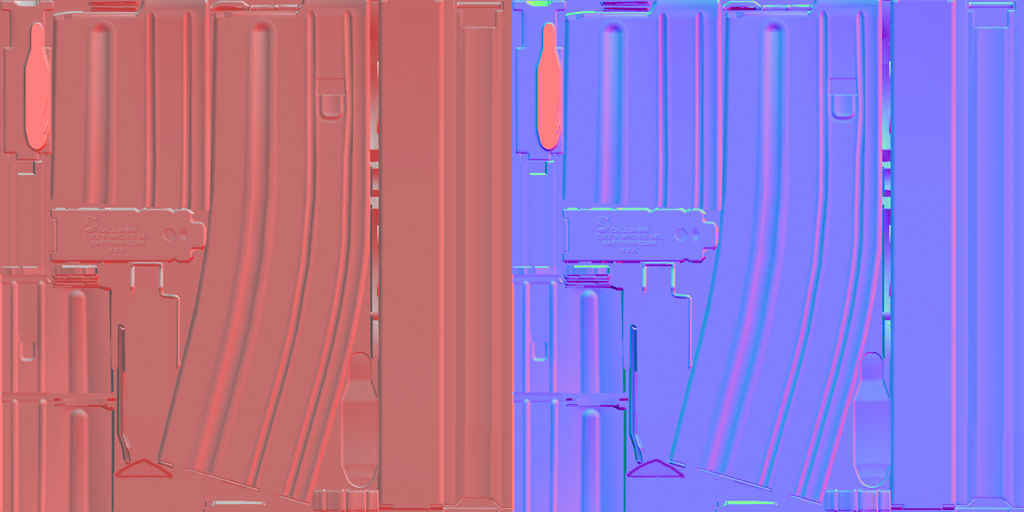
Different solutions
If you search for “red normal map” on the Internet, you will probably find this thread, which proposes a solution :
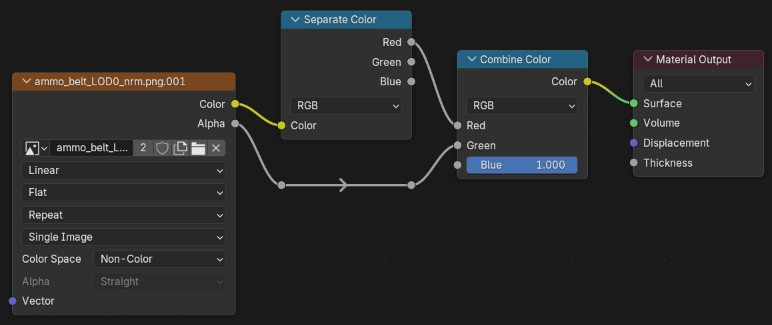
tarkin’s script also has a solution based on a lot of math nodes :
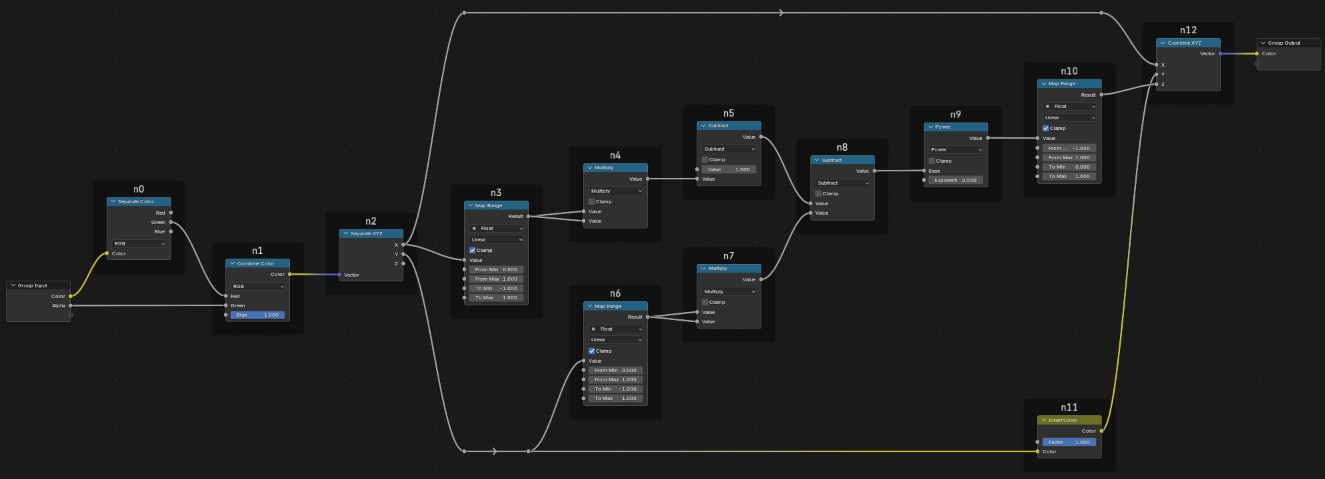
(I don’t know who came up with that and how, don’t bother reading it)
Here is a comparison of the different methods. As a reference, I’m using a texture extracted with AssetRipper which doesn’t have the “red normal map” issue.
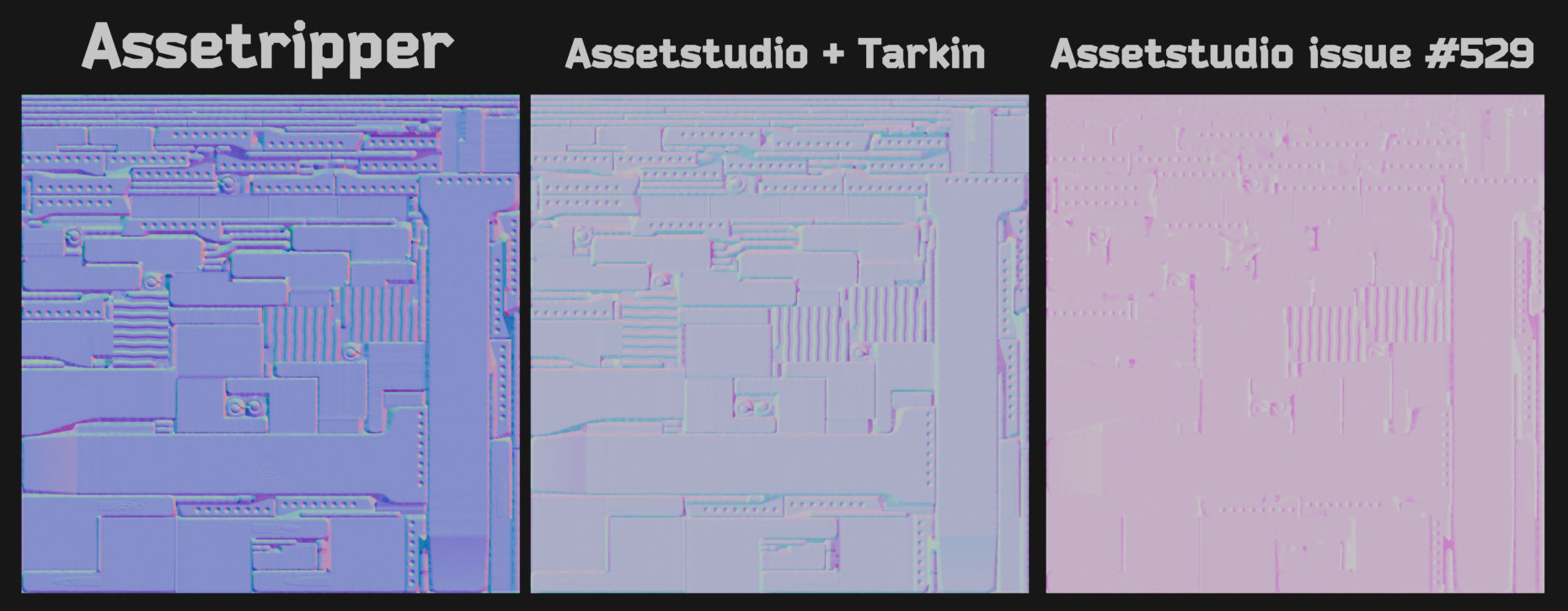
As you can see, although they are supposed to solve the same problem, none of these solutions come close to the reference (it might have worked at some time in the past, and then AssetStudio changed how it handles normal maps).
Recommended solution
The solution I recommend is using this node setup, which was provided to me by Juncker on his Discord server :
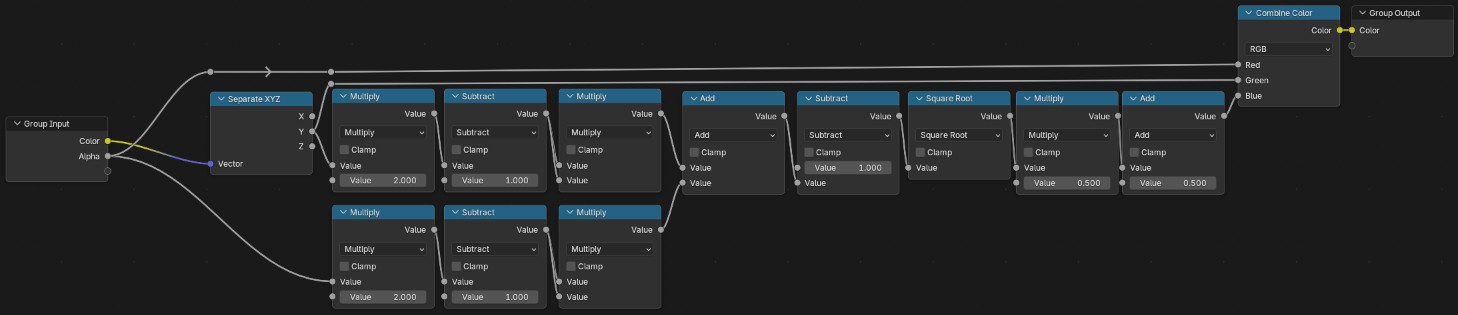
Once again a lot of math nodes. If you want to read this properly :
$R = \alpha$
$G = g$
$B = \frac{1}{2}\sqrt{(2g-1)^2+(2\alpha-1)^2-1} + \frac{1}{2}$
with $(r,g,b,\alpha)$ the input image channels, and $(R,G,B)$ the output image channels.
Anyway, I have no idea what this formula means, so let’s look at the comparison directly :
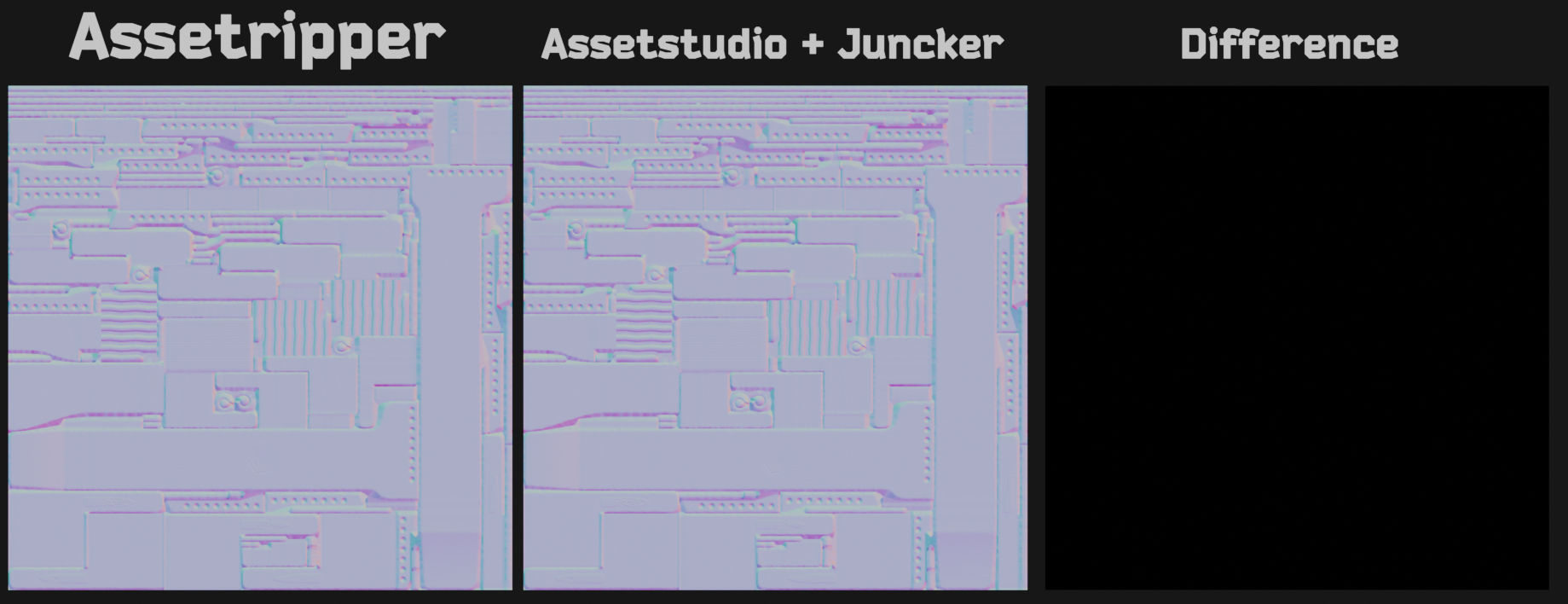
The images look the same. By calculating the difference between the two images, the result is a black image, which means they are equal and this node group was the solution we were looking for.