Simple light source
3 minutes read
Large source with blockers
My first attempt for this project was to replicate the real-life setup : a large spotlight behind a thin slit that limits the beam. On the following figure, the slit has been enlarged for better visibility.
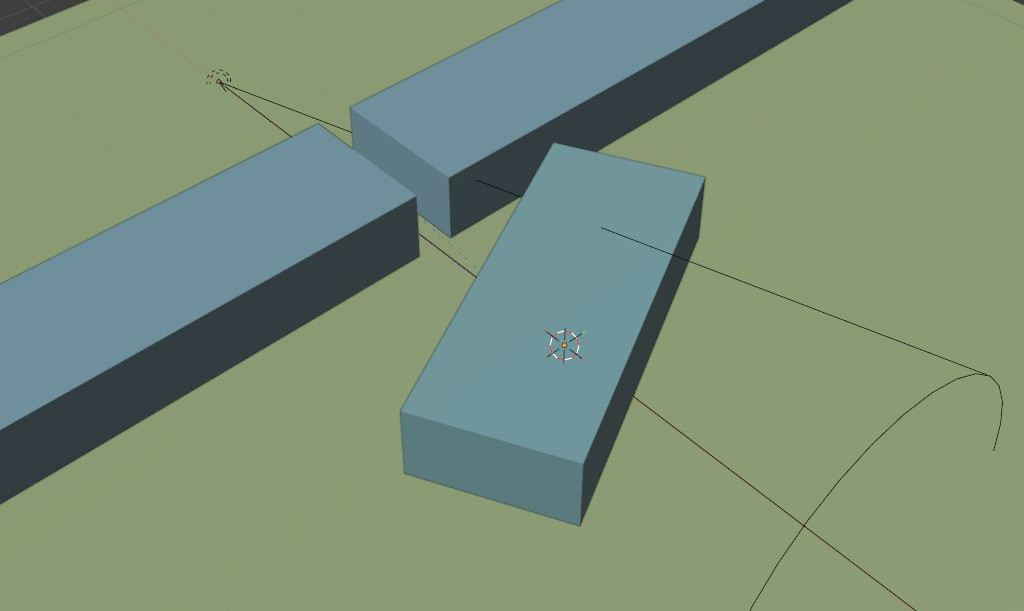
The material of the cube is a Glass BSDF, with roughness = 0 (smooth surface). The ground is a Diffuse BDSF with roughness = 1 to scatter the light rays towards the camera. The parts making the slit are black to absorb the light. The results were the following :
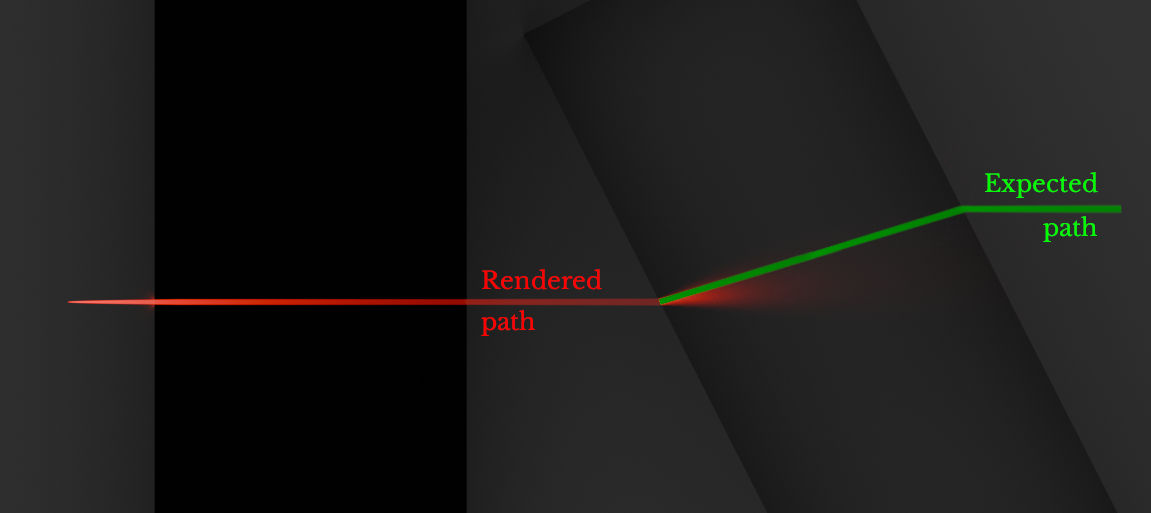
The light ray seems to be refracted correctly, but instead of going through the glass, it is scattered. This result is what led to my Blenderartists support post.
Area source with 0° spread
On Blenderartists, etn249 proposed the following setup :
- The light source is an area light with a 0° spread, slightly facing the ground ;
- The glass BSDF has a small roughness value (typically 0.05) ;
- The render engine is Cycles. Path guiding is enabled, noise threshold and denoising are disabled.
- In Render/Light paths/Caustics, Filter glossy is set to 0.
- (Optional) In Render/Light paths, the Total max bounces can be set to 2 to get rid of internal reflection.
The following result was obtained with 4096 samples :
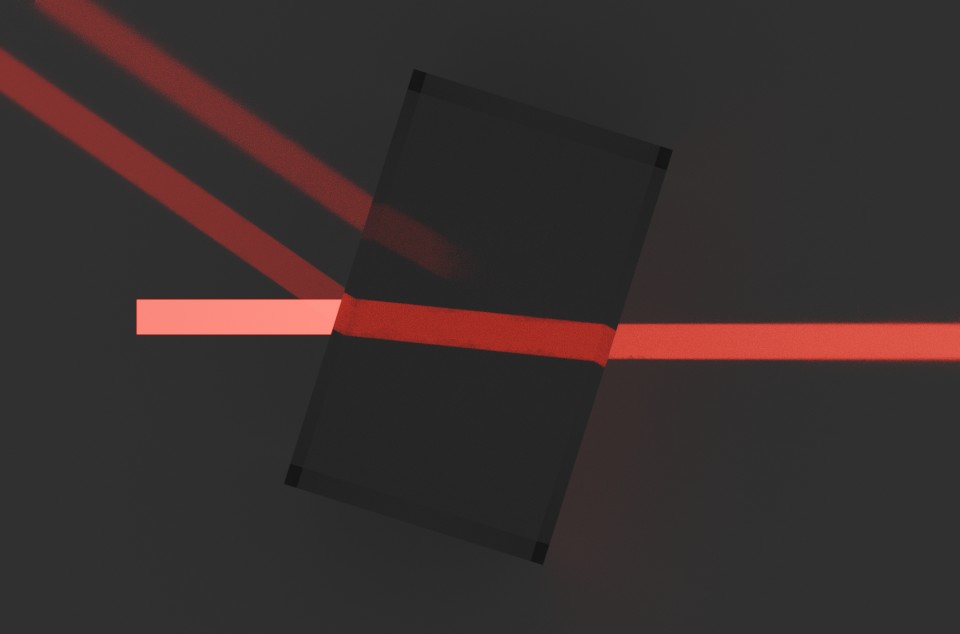
The results can vary depending on the beam size (adjusted by scaling the area light) and its angle of incidence. In general, the lights beams require a large amount of samples to render properly. Sometimes, they will even present some “holes” :
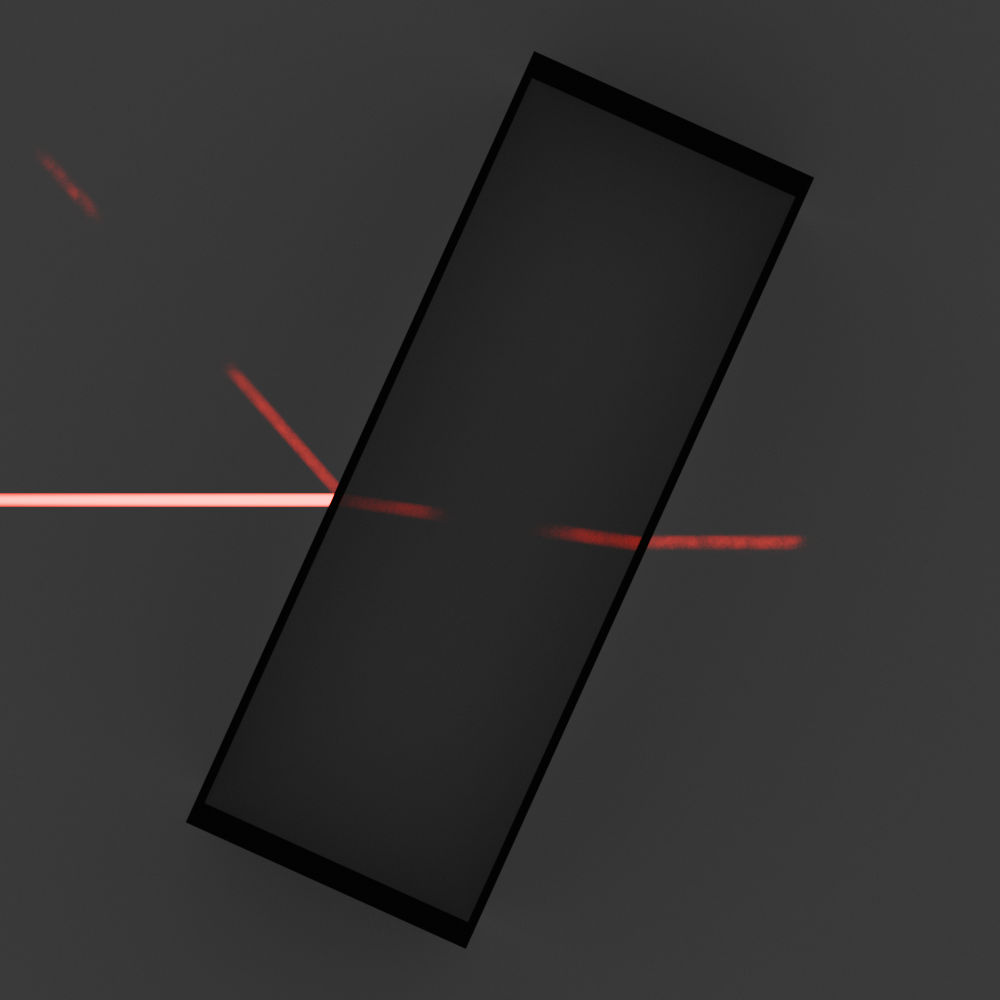
Internal reflection can be visible depending of the number of allowed light bounces, but it rarely forms properly.
Summary
It is possible to use an area light source with a 0° spread to create a laser shining through a glass block, but it is difficult to properly form the beam.
| Pros | Cons |
|---|---|
| + Easy to setup | - Low beam quality (“holes”) |
| + No add-on required | - Slow render |
| + Internal reflection is visible |