Adding statistics to soyuzkerman.net
Lately I’ve been trying to add statistics to my website with Umami, but for some reason that I could not identify, it didn’t work… until now ! I’ll explain what happened below.
My website setup
My server is based on YunoHost, which runs on Debian 12 and allows you to easily download and run various apps1. For example, I use the Zola app to generate a static site with the Duckling template on the soyuzkerman.net domain.
The statistics app and how it works
Most Yunohost apps must be installed on a separate subdomain. I installed Umami at umami.soyuzkerman.net. To get statistics for a website, you have to place a line of code in your HTML head file :
This makes each website page execute Umami’s script.js, which collects the statistics information and then sends it to the Umami app.
For the template I used, it corresponds to the templates/partial/head.html file. Since every other HTML file reuses this file, this executes the script for every website page.
Why it didn’t work, and how to fix it
I’ve been stuck for a long time with the statistics stuck at 0. In this case Umami’s documentation2 advises to check the browser development tools in the network tab, which you can access by pressing F12. I didn’t even know this was a thing, and it helped a lot here :
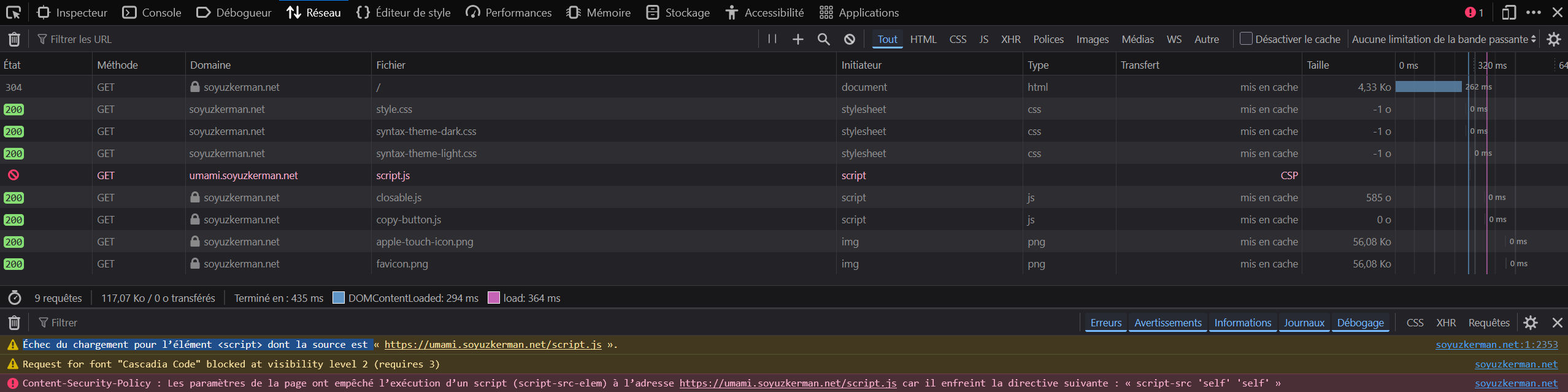
As you can see, the Umami script is blocked, and the culprit seems to be this “Content-Security-Policy” thing. From what I understand, CSP is a security measure that makes sure your website doesn’t exchange data with external websites. Umami being installed on a subdomain, it is blocked by the CSP ! To make it work, we have to tell the CSP to authorize umami.soyuzkerman.net.
For the Duckling template I use, the CSP is parametered in templates/partials/csp.html. The Duckling template originally uses GoatCounter for statistics (which isn’t available for YunoHost). First, I disabled it in the config.toml file by commenting (#) the GoatCounter section. Then, in the csp.html, I added the following lines at the beginning of the file :
script-src 'self' https://umami.soyuzkerman.net/;
connect-src 'self' https://umami.soyuzkerman.net/;
I got these instructions thanks to an example on Ken Bonny’s blog. The first line authorizes umami.soyuzkerman.net to execute its script, the second authorizes the transfer of data towards it.
Note
The csp.html file also contains instructions for the GoatCounter setup, but by putting other commands at the beginning of the file, we can override everything else. This is fine since I won’t be using GoatCounter.
Results
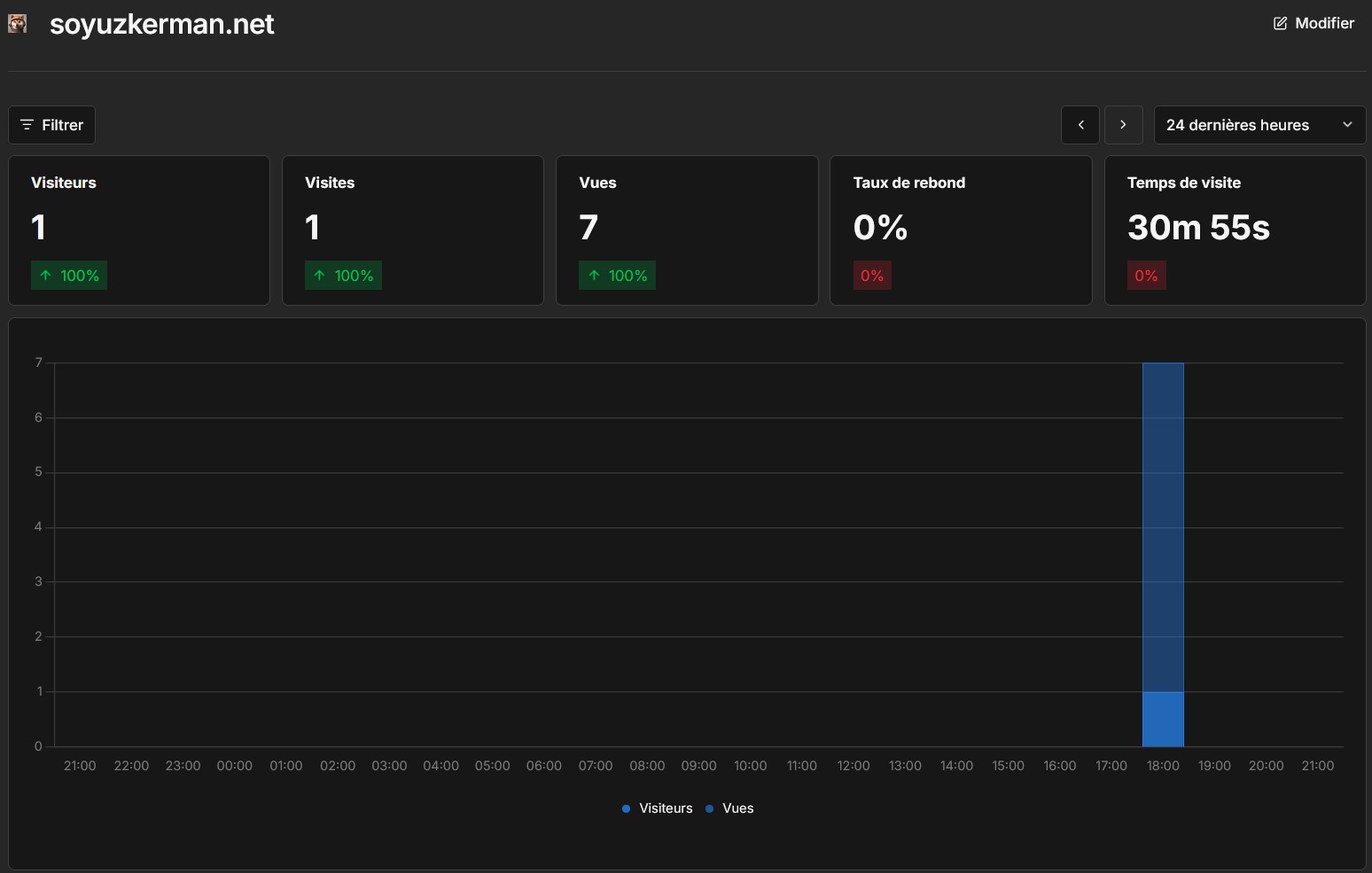
It finally works ! The only problem left is getting people to visit the website.